
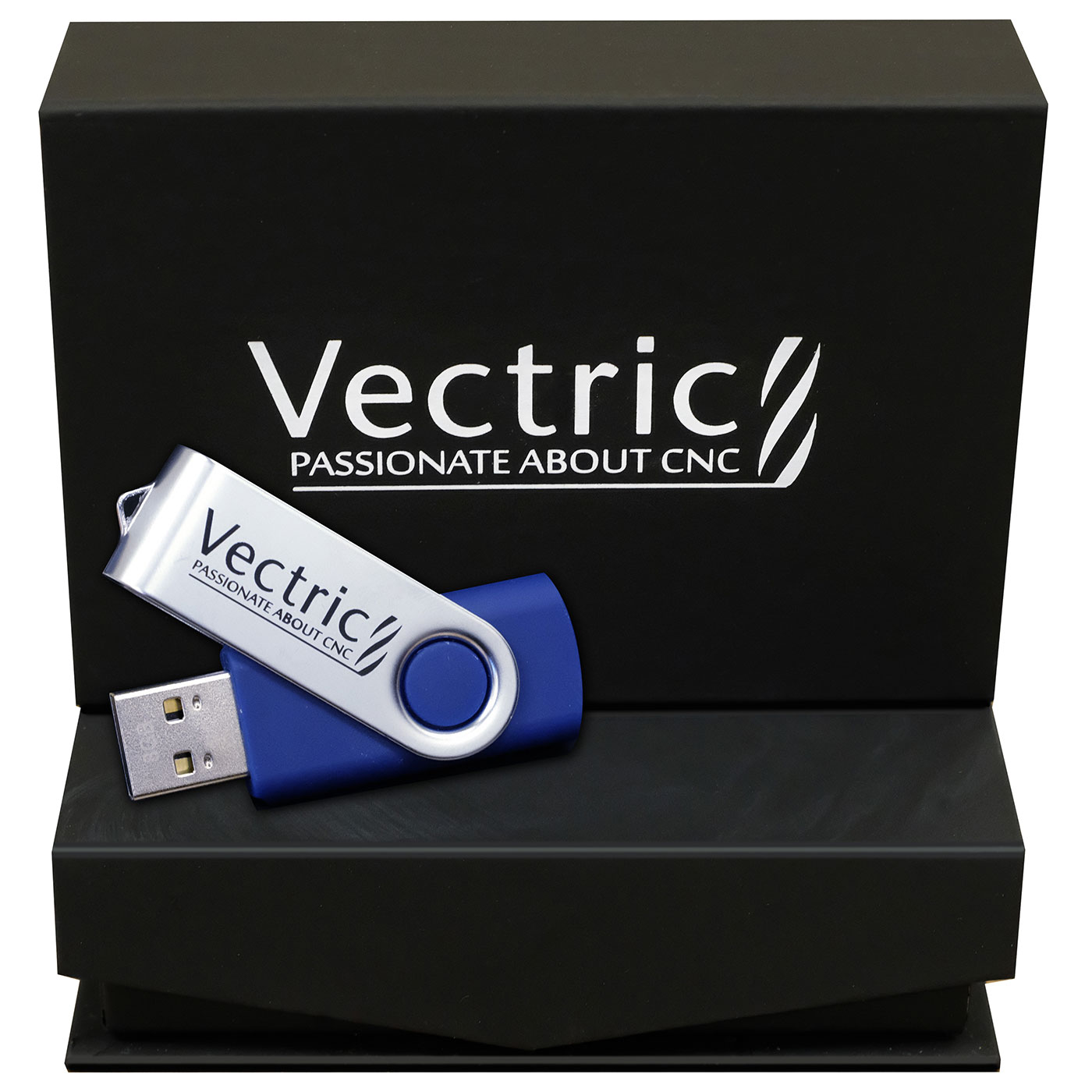
VCarve Pro

SKU: VCP

$999.00CAD

VCarve Pro CAD/CAM Design Software (digital version)

VCarve Pro is the industry-standard CAM software for production woodworking and sign making on CNC routers. Built by Vectric, it covers design, layout, toolpath generation, and machine output in one package, with a learning curve manageable enough for shop operators to be productive in days, not months. Simply Technologies carries VCarve Pro as a $999 accessory at the product page price. The site displays pricing in your local currency. This page covers what VCarve Pro does, who it’s right for, and how to buy.

Description

VCarve Pro and VCarve Desktop provide a powerful but intuitive software solution for cutting parts on a CNC Router. There are tools for 2D design and calculation of 2D and 2.5D toolpaths and along with the ability to import and toolpath a single 3D model (STL, OBJ etc.). There is also support to import multiple Vectric Clip Art 3D models (V3M) to create 3D assemblies.

The software can import 2D designs from other programs but also provides a full set of drawing and editing tools. The toolpath options cover all typical 2D routing operations such as Profiling, Pocketing, Auto-Inlays and Drilling as well as 2.5D strategies such as V-Carving, Prism carving, Fluting and even a decorative Texturing strategy. For 3D you can Rough and Finish the model and there are options to project 2D and 2.5D toolpaths onto the 3D surface. Each toolpath includes appropriate options to customize the settings and provide a high level of control for different types of operation. In addition all toolpaths can be previewed to show just how the part will look when it is actually cut, this allows instant feedback to allow toolpaths to be further optimized.

Features:
• Two-Sided Machining & Multi-Sided 3D Simulation
• Complete set of 2D Design and Layout Tools
• Layer control, Guide lines, Snap Grid
• Text Editing + Single Line Engraving Fonts
• 2D File Import – DWG, DXF, EPS, AI, PDF
• Image File Import – BMP, JPG, TIF, GIF
• Single 3D File Import (STL, OBJ, 3DM, SKP etc.)
• Import Multiple Vectric 3D Clip Art Files for Layout and Assembly (V3M file format)
• Includes 100+ 2D Clip Art Designs
• Includes 300+ 3D Clip Art Models
• Vectorize images to create vectors for machining
• Robust V-Carving
• Raised 3D Prism machining
• Moulding Toolpaths – to create constant cross section profiles, arches, frames etc.
• Auto-Inlays with multiple options
• 3D Random Texturing Toolpath
• 2D Profiling with Interactive Tabs / Bridges, Lead and Ramp options
• Pocketing with optimization for 2 cutters
• Drilling with option for Peck Drilling
• Beveled Letters
• Custom Molding and Form Cutters
• Multi-color Toolpath Previews
• Work on parts larger than 24″x24″ (600mm x 600mm)
• True Shape Nesting for material optimization
• Toolpath Templates
• Merge Toolpaths
• Job Setup Sheets
• Gadget (scripting) support
• Rotary Axis (Wrapping)

VCarve includes the functionality demanded for complex work while remaining incredibly easy to use and affordably priced. The software is used by cabinet makers, wood workers, sign makers, prop makers, plastic fabricators, hobbyists and in many other applications.

For a full list of features, visit www.vectric.com
Download trial version here


Support:

FOR VERSION 7.5 USERS: Download the Axiom Post Processor: Click here to download

Vcarve Pro v7.5/ Aspire v4.5
Download the Post Processor file (AXIOM_HHC_CNC_VCPASPIRE.pp) this will either save by default in your browsers pre-set Downloads folder or give you the option to choose a folder location, now you need to move this file to the PostP folder for either VCarve Pro or Aspire.

The location of this can vary depending on the version of Windows you are running, to find the PostP folder and copy the downloaded post processor into that location, please follow the following steps:

1. Run a session of Aspire/Vcarve Pro
2. Select File – Open Application Data Folder
3. Double left mouse click to open the PostP folder
4. Click and drag, or copy (Crtl+C) and paste (Crtl+V) the post processor into that folder
5. Select File – Exit in Aspire/Vcarve Pro
6. Run a new session of Aspire/Vcarve Pro
7. When you save a toolpath you should find a postprocessor called “AXIOM HHC CNC (mm) (*.mmg)” in the list of options available

Additional Information

What VCarve Pro Does

VCarve Pro is a complete 2D and 2.5D CAM package for CNC routing. Most production woodworking and sign shops use it for layout, toolpath generation, V-carving, profile and pocket cutting, drilling, and nested-based manufacturing. It handles vector and bitmap import, includes a large library of bits and toolpaths, and outputs G-code for virtually any CNC router on the market.


VCarve Pro vs VCarve Desktop vs Aspire

Vectric offers three tiers of software. Here’s how they differ.

VCarve Desktop ($349): Limited to 24 by 24 inch job size. Right for hobbyists or very small shops working with limited material sizes.

VCarve Pro ($999): No job size limit. Full feature set for production work. The right choice for any commercial shop running a CNC router.

Aspire ($1,995): Adds full 3D modelling and complex sculpting to VCarve Pro. The right choice if your work includes detailed 3D carving or relief work.

Most production shops we work with run VCarve Pro. It covers the vast majority of cabinet, sign, and custom woodworking applications. For more comparison detail, see our [internal link: VCarve Pro vs Fusion 360] guide.


VCarve Pro Pricing

VCarve Pro is a perpetual licence (no subscription). $999 at the product page price. The site displays pricing in your local currency based on your location (CAD, USD, EUR, or GBP). Software can be added to your CNC router order.


System Requirements and Compatibility

VCarve Pro runs on Windows (Windows 10 or later recommended). 8GB RAM minimum, 16GB recommended for larger files. Compatible with virtually any modern CNC router via standard G-code output. We can confirm compatibility with your specific machine if you’re not sure.


VCarve Pro for Cabinet Making

Cabinet shops use VCarve Pro for nested-based manufacturing, dado cuts, dowel hole drilling, and panel cutting. The software’s batch nesting capability optimizes material usage across multiple cabinet parts in a single sheet. This alone often pays for the software in the first month of production use.


VCarve Pro for Sign Making

Sign shops use VCarve Pro for V-carved lettering, profile cuts on dimensional signs, HDU sign cutting, and detailed graphic work. The V-carving toolpath is one of the most-used features in sign shop workflows.


VCarve Pro for Custom Millwork and One-Offs

Custom millwork shops use VCarve Pro for curved trim, decorative panels, mouldings, and one-off architectural pieces. Vector import flexibility makes it easy to bring designs in from Illustrator, CAD packages, or scanned drawings.


Learning VCarve Pro: Resources and Training

Most operators are producing usable toolpaths within a day or two of focused use. Mastery comes with weeks of regular practice. Optional training packages are available as an add-on when your team wants help getting up to speed. Vectric also publishes an extensive tutorial library for self-directed learning.

For schools, EMPOWER[ED] ACADEMY pairs VCarve workflows with a structured CAD and CNC certification curriculum, teacher onboarding, and student certification.


Where to Buy VCarve Pro

Buying VCarve Pro through Simply Technologies gives you product page pricing in your local currency, a written quote on request, and a single point of contact for any licensing or installation questions. Importing direct from Vectric or buying through a US-only seller works too, but you lose the local support layer when something goes wrong.


Frequently Asked Questions

How much does VCarve Pro cost?

VCarve Pro perpetual licence is $999 at the product page price. The site displays pricing in your local currency.

Is VCarve Pro a subscription?

No. VCarve Pro is a perpetual licence. You buy it once and own it. Upgrades to new versions are optional and reasonably priced.

What CNC routers is VCarve Pro compatible with?

VCarve Pro outputs standard G-code compatible with virtually any modern CNC router, including everything in our lineup. We can confirm compatibility with your specific machine.

How long does it take to learn VCarve Pro?

Most operators are producing basic toolpaths within a day. Confident production use comes within two to three weeks of regular practice. Mastery takes longer but the learning curve is significantly less steep than Fusion 360 or other complex CAM packages.

Do you offer VCarve Pro training?

Optional training packages are available as an add-on when your team wants help getting up to speed. We also point users toward Vectric’s online tutorial library as a free supplement.

Can VCarve Pro do 3D carving?

VCarve Pro handles 2.5D work including V-carving. For full 3D modelling and complex relief carving, you want Aspire (Vectric’s higher-tier package). We can advise on which is right for your work.


Buy VCarve Pro

Get VCarve Pro standalone or add it to a CNC router order.